Free, open-source slide engine
Slide decks by AI
you can actually present
Templates set the layout and the length of every field. AI fills in the content, and the deck is done when the checks pass. You get one HTML file that opens offline.
Why it exists
Templates handle the layout.
You just read the content.
Each template states what it suits and how much text each field can hold. AI writes to those limits, so the layout holds.

“
Facts need a source; if it cannot be found, it stays out.
Writing rule no. 3Components
251 templates,
ready to use
Each template states what it suits and how much text each field can hold. AI writes to those limits, so the layout holds.
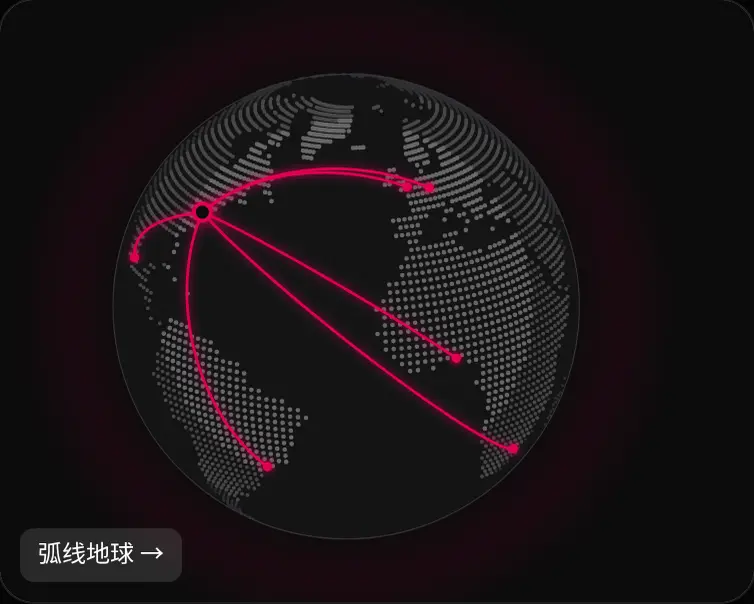
Networks, maps and glow
01
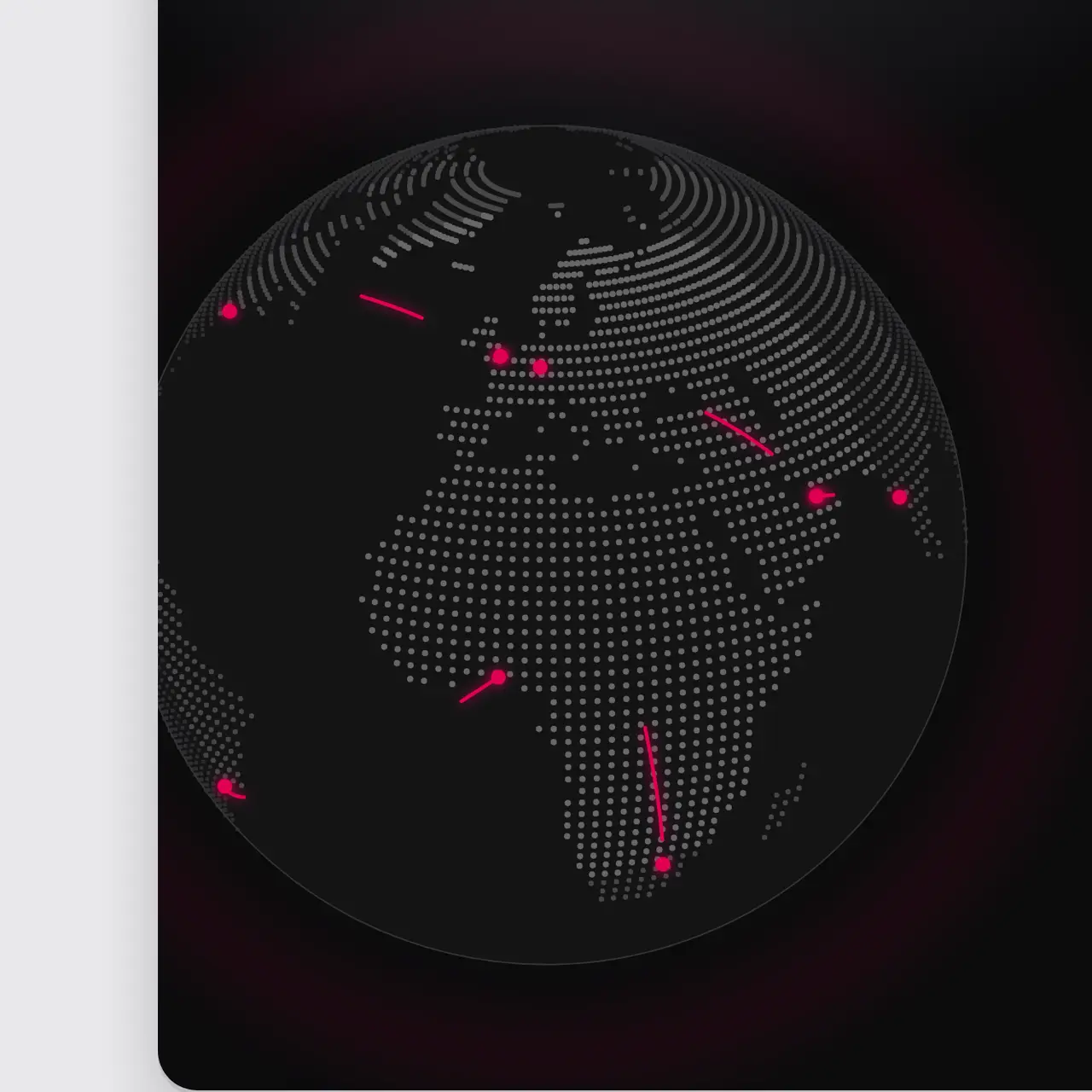
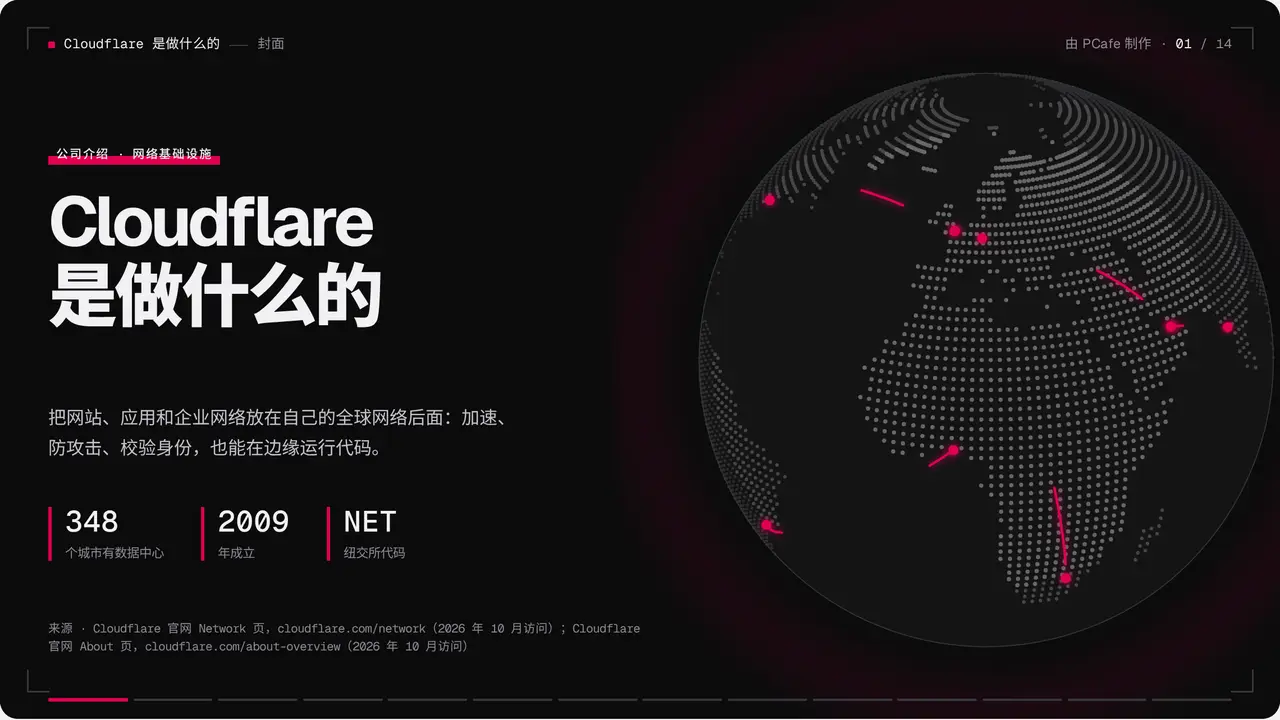
Globes, node grids, request paths and glow effects, all rendered offline, so nothing needs the internet on stage.
Data and relations
02
Rankings, flows, shares and distributions. Give it the data and get the chart.
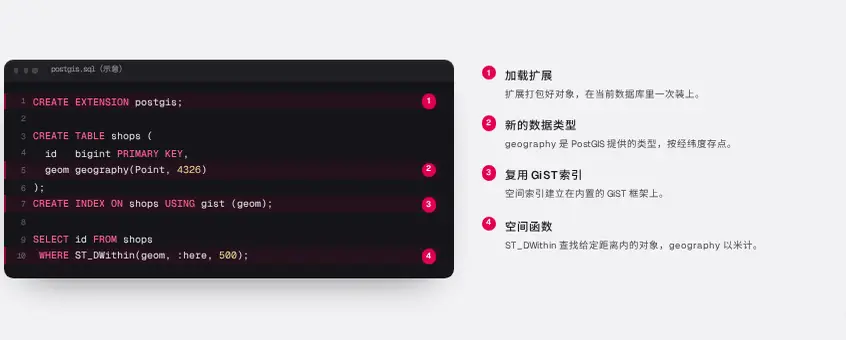
Technical diagrams and code
03
Query plans, table schemas and code callouts for technical talks.
AI and models
04
Routing, context windows, pricing and scores, built for talking about models.
Example decks
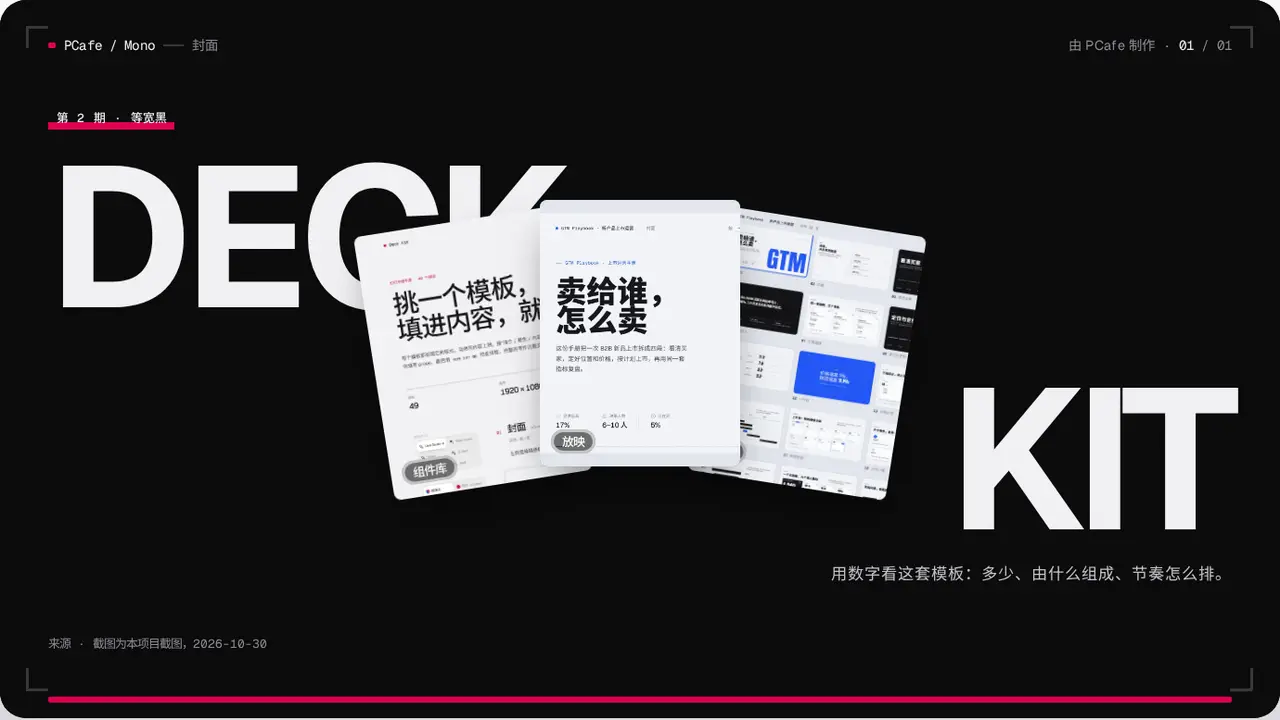
These slides are running live
More than slides
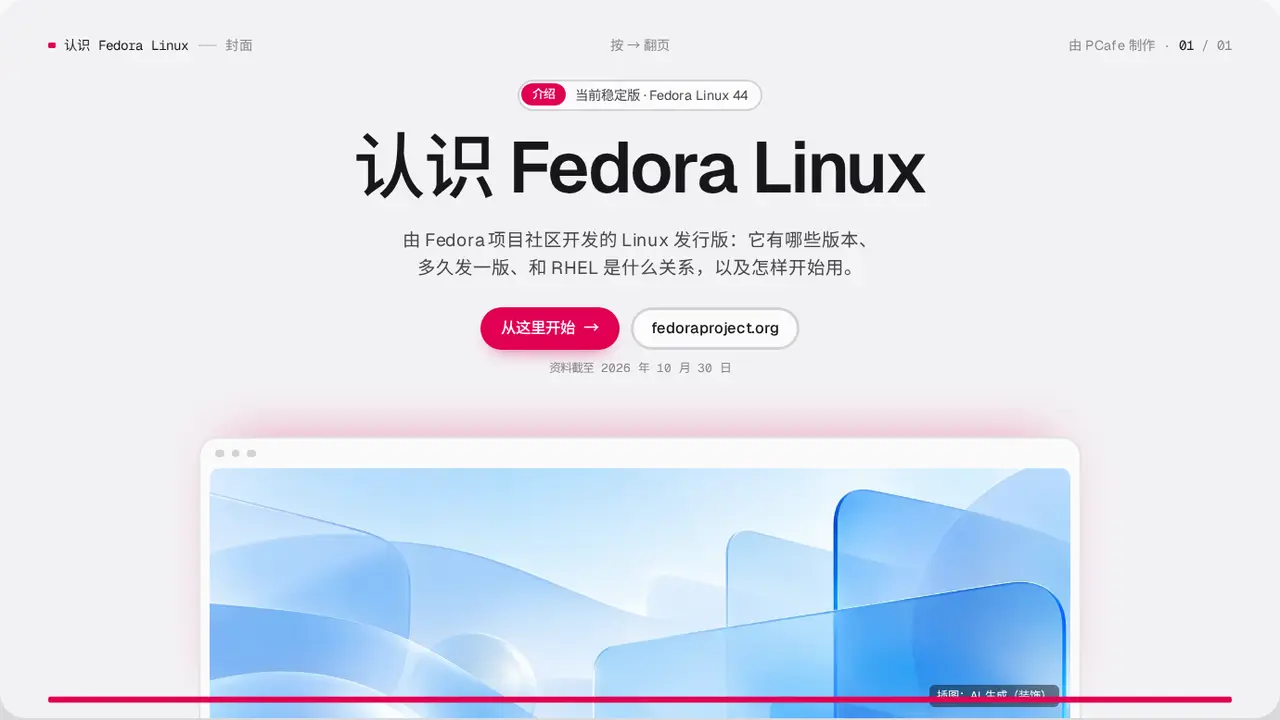
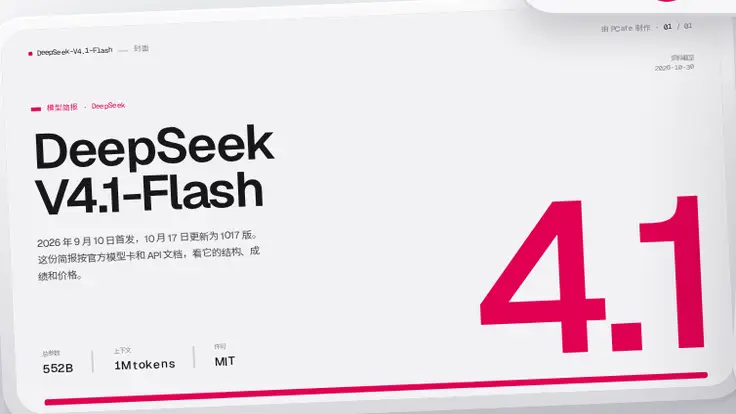
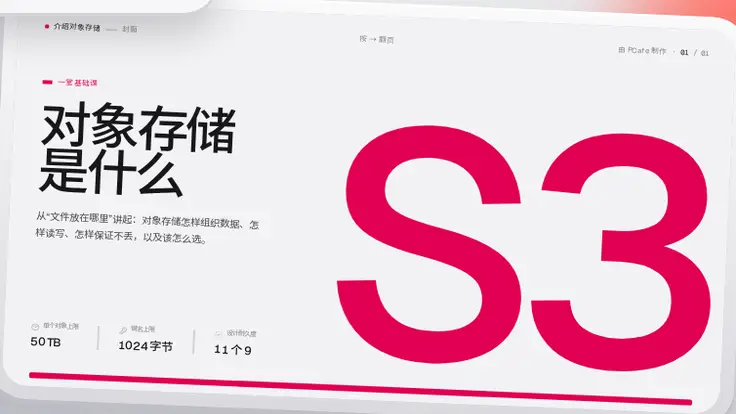
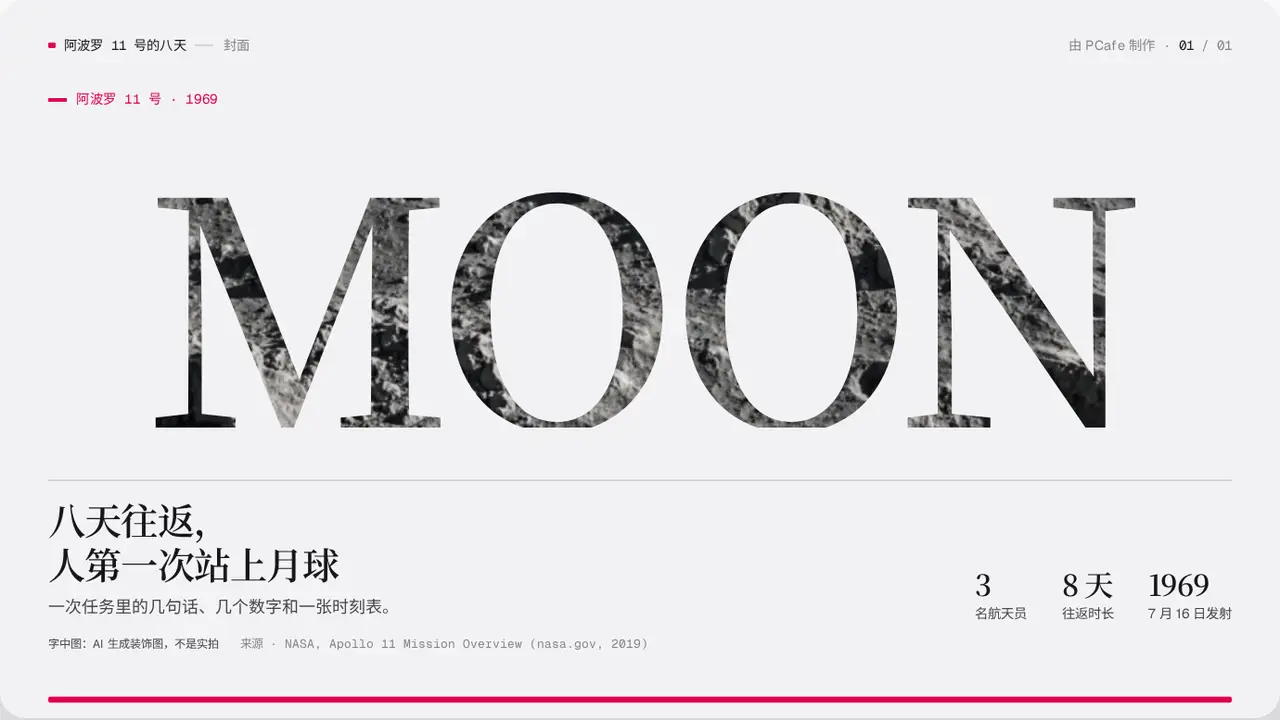
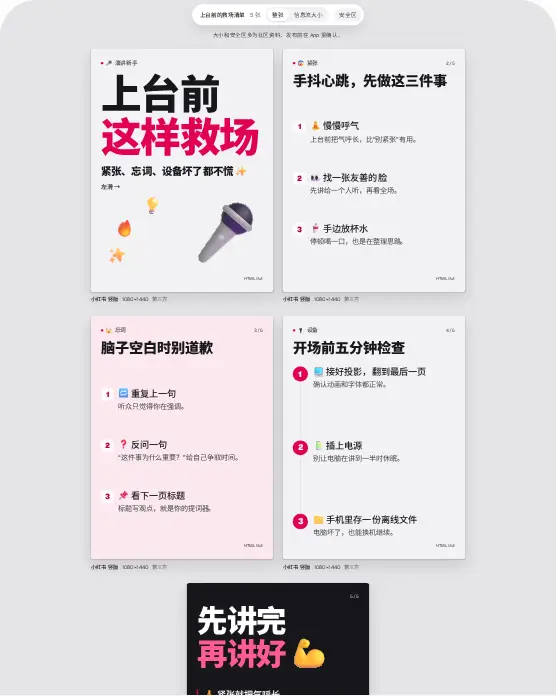
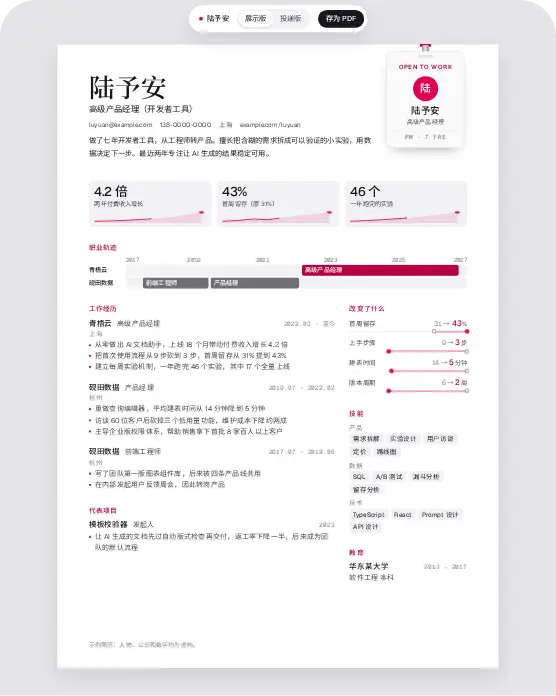
The same components also make these
These are real outputs. Open one and try it.


Rules
Why layouts don't break
Every field has a length limit; if it does not fit, split the slide
If it fails the checks, it isn't done
Each slide is checked for text collisions, clipping, safe areas and minimum font size. The last line says PASS or FAIL.
Remote assets are blocked at build time
Fonts and images go into one file, so nothing goes missing when you send it.
Decks only combine templates, with no custom CSS
Features
Everything you need on stage
Presenter view
Press S for notes, a timer and the next slide.
On-stage tools
L laser, D pen, Z zoom, G overview.
Build steps
Press → to reveal points, charts and cards one at a time.
PDF and PPTX
Save #/print as PDF; pcafe pptx writes PowerPoint with editable text.
Works with AI tools
Claude Code, Codex and Cursor can read the writing guide in the repo.
Reading view
Open #/read: the whole deck becomes one article by chapter, with notes.
PCafe
Step motion
One press, one move
Motion plays only when the speaker presses →. Jumping, printing and exporting show the finished slide. These are live slides: try the buttons.
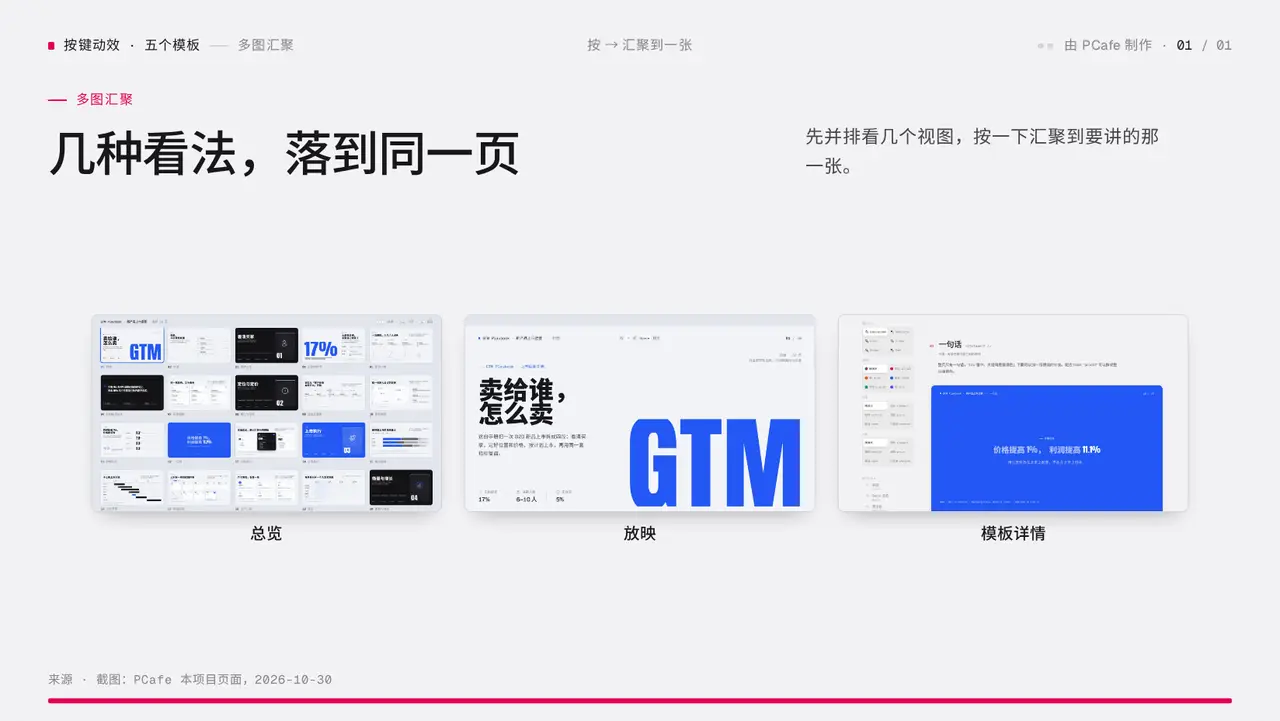
Component wall
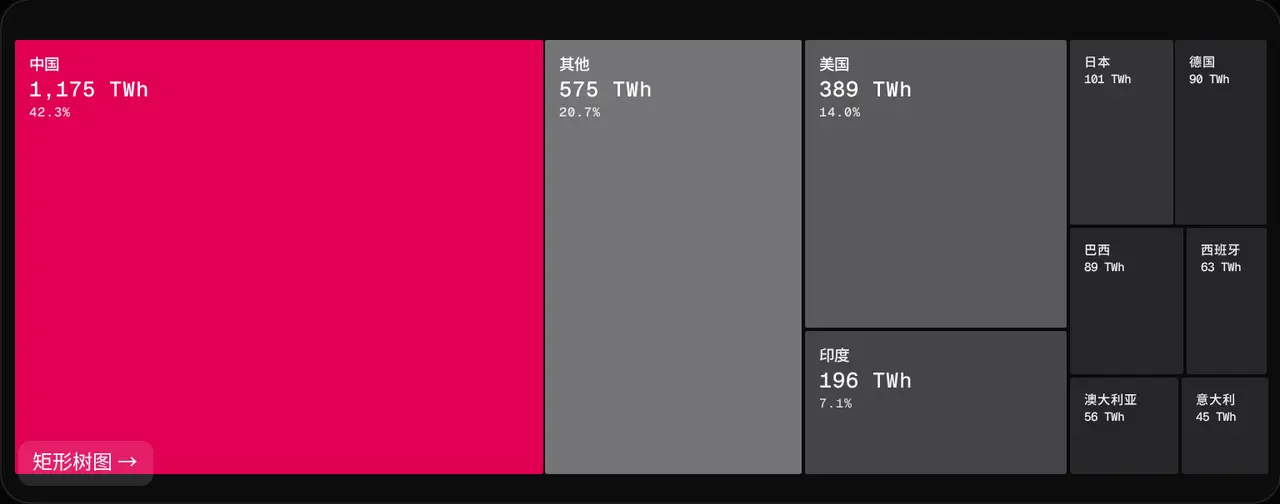
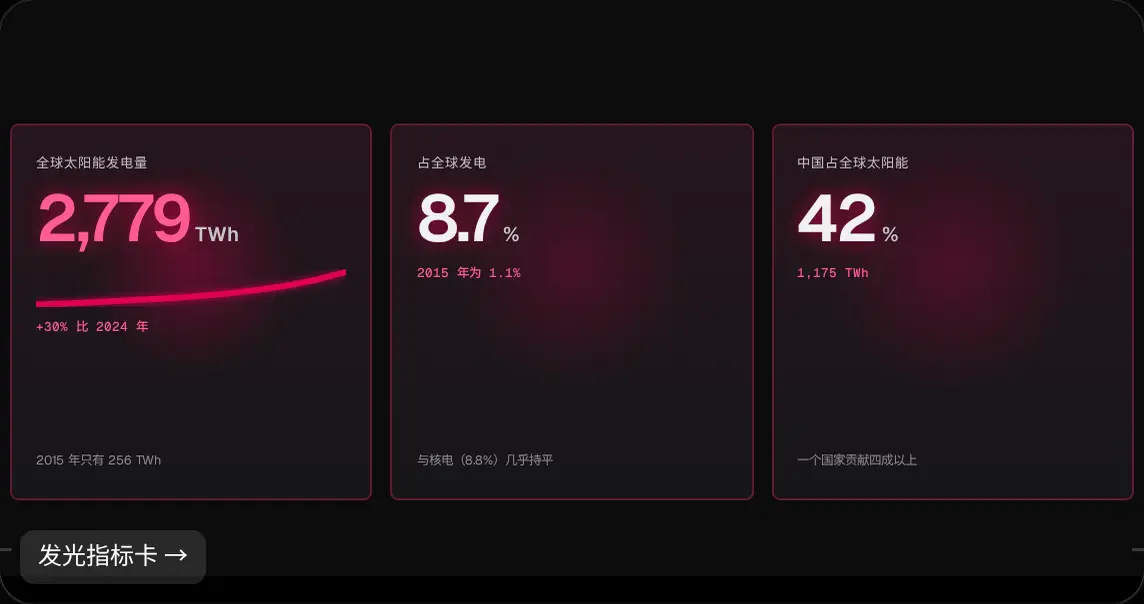
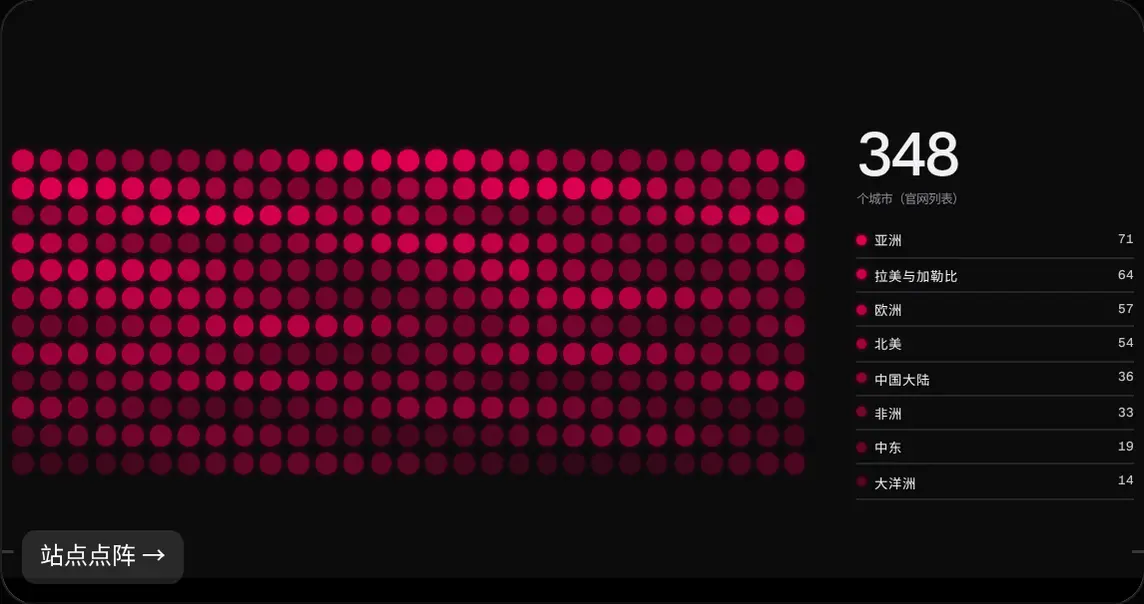
All of these are slides you can use
Same content,
one line of config,
a different look
Combine any style with any colour theme. Change one line of config and the whole deck follows, with the content untouched.
25133 styles · 5 colour themes · docs in Chinese and English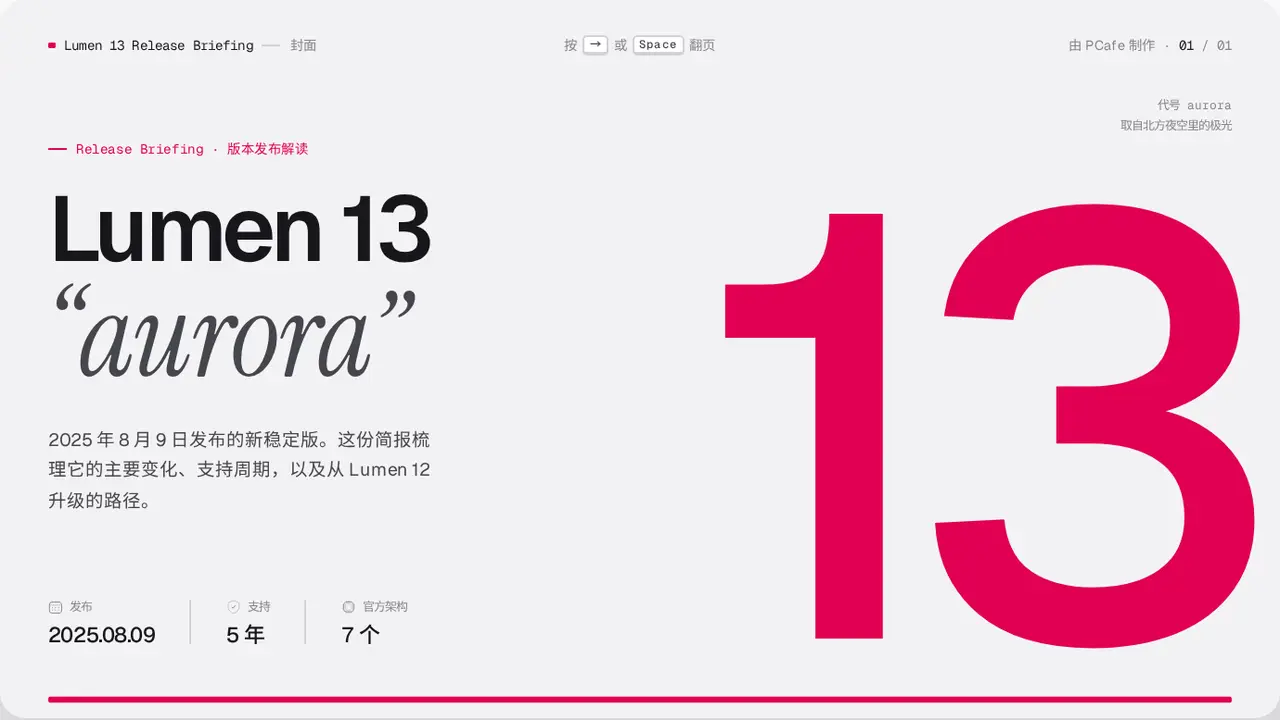
Pricing
Everything here today is free.Pro is new work on top.
The 251 templates and 33 styles stay free and open source under CPAL-1.0, commercial use included; works keep the “Made with PCafe” credit. Pro is a separate set of template packs, installed from a private npm registry, and lets you remove the credit.
Early-bird prices until July 1, 2027
Open source
$0CPAL-1.0
For personal and commercial projects; works keep the “Made with PCafe” credit.
- 251 templates, 33 styles, 5 colour themes
- Presenter view, PDF export, one offline file
- A QA check that ends in PASS or FAIL
- Writing rules for Claude Code, Codex and Cursor
Pro yearlyEarly bird · save 72%
$16.99Regular price $59.99per year
Install every Pro template released while you are subscribed.
- Remove the “Made with PCafe” credit from your work
- Install Pro templates one by one, e.g.
pro/pitch-cover - Private npm registry; the token lives only in
~/.npmrc - Each template ships its own CSS, so exports carry only what they use
- Same writing rules and QA as the open-source version
Early-bird price locked in: renews at $16.99/year for as long as you stay subscribed.
Coming soonFounder lifetimeEarly bird · save 83%
$28.99Regular price $169.99one payment
Install every Pro template released in the 24 months after purchase, and keep them for good.
Limited to 200
- Remove the “Made with PCafe” credit from your work
- The same templates, install method and QA as Pro yearly
- No renewals, no expiry date
Returns to $169.99 after July 1, 2027.
Coming soonPrices in USD. Struck-through prices are the regular prices. Early-bird prices run until July 1, 2027. Dodo Payments is the merchant of record: it runs checkout, charges tax by region and issues invoices.
FAQ
Plain answers
How is this different from PowerPoint?
The output is an HTML file that plays in a browser, with animations and build steps intact. There is no drag-and-drop editor: AI or you edit the source. When someone needs PowerPoint, you can also export a .pptx.
Can I export PDF or PowerPoint?
Yes. Open #/print and print to PDF from the browser; each slide shows its fully built state. npx pcafe pptx writes a PowerPoint file whose text is editable text boxes over a background image.
Do I need internet to present?
No. Fonts and images are packed into the one file, and the build blocks remote resources.
Which AI do I have to use?
Claude Code, Codex and Cursor can read the guide in the repo directly. Other tools that read and write files work too.
Does it cost anything?
Every current template, style and the engine are free, commercial use included, under the open-source CPAL-1.0 licence; works you make keep the “Made with PCafe” credit and link. Pro removes the credit. Pro is a separate set of template packs, sold as a yearly plan or a founder lifetime licence. The AI tool you use may have its own costs.
How do I install Pro?
After paying, create an npm token on your account page, add it to ~/.npmrc in your home folder, then run npm install @pcafe/pro. The token never goes into the project or into the exported HTML.
Free · with credit
Try it
today
For personal and commercial projects. AI tool costs are separate.
Three steps to a deck
- Create a projectOne command sets up the project and an example deck.
- Let AI write itGive AI the topic and audience. It writes to the templates and their limits.
- Check and buildAfter PASS, build one HTML file you can send to anyone.
npx @pcafe/pcafe init my-talkRequires Node.js 20.19 or later