Coding agent · Skill · Zhipu Z.ai

PCafe × ZCodeThe HTML slide deck skill for ZCode

ZCode is Zhipu’s desktop AI coding tool. It hosts agents such as Claude Code and Codex and has its own skills manager. Import pcafe and one sentence gets you a deck that passes its checks.

Step one

Install PCafe in ZCode

  1. Download and unzip the skill.
  2. In ZCode’s settings open Skills, import the unzipped pcafe folder and switch it on. Or install with the npx skills command below, or open ZCode in a PCafe project folder.

Afterwards, open a new chat and ask what the pcafe skill does. If it can tell you, the skill is loaded.

npx skills add Web-Casa/pcafe -s pcafe -g -a zcode -y

Step two

Working with ZCode once it is installed

  • Say “make a deck with pcafe”, or @-mention the pcafe skill.
  • GLM models run the whole loop: write, check, fix from the screenshots.
  • When ZCode hosts Claude Code, the Claude Code plugin works the same.

A prompt to copy

Using the pcafe skill, turn this product spec into a 10-slide review deck for engineering and design in the grid style. Build once npx pcafe check prints PASS.

Naming the file, the audience, the length and what counts as done helps far more than “make it look nice”.

Results

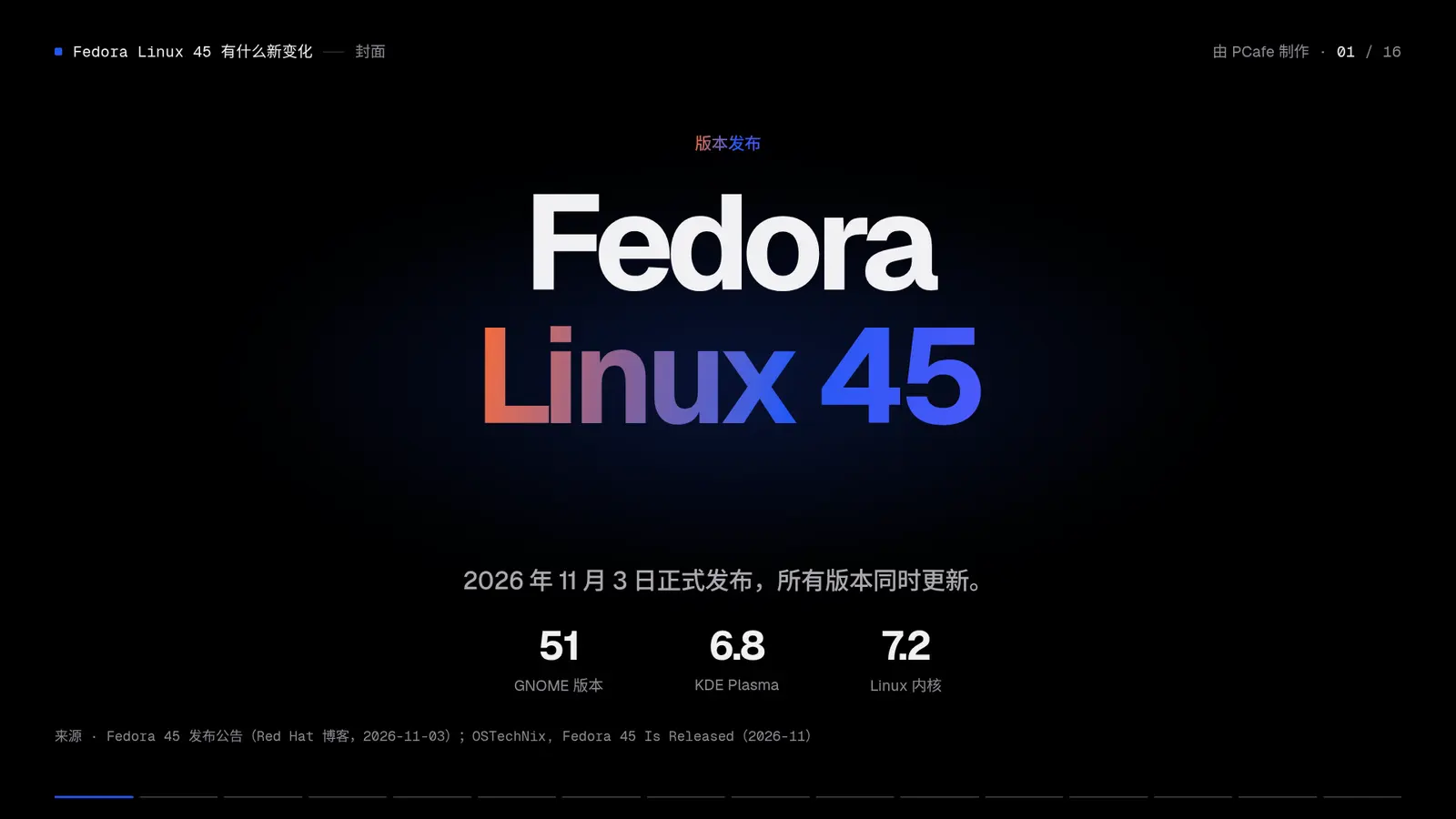
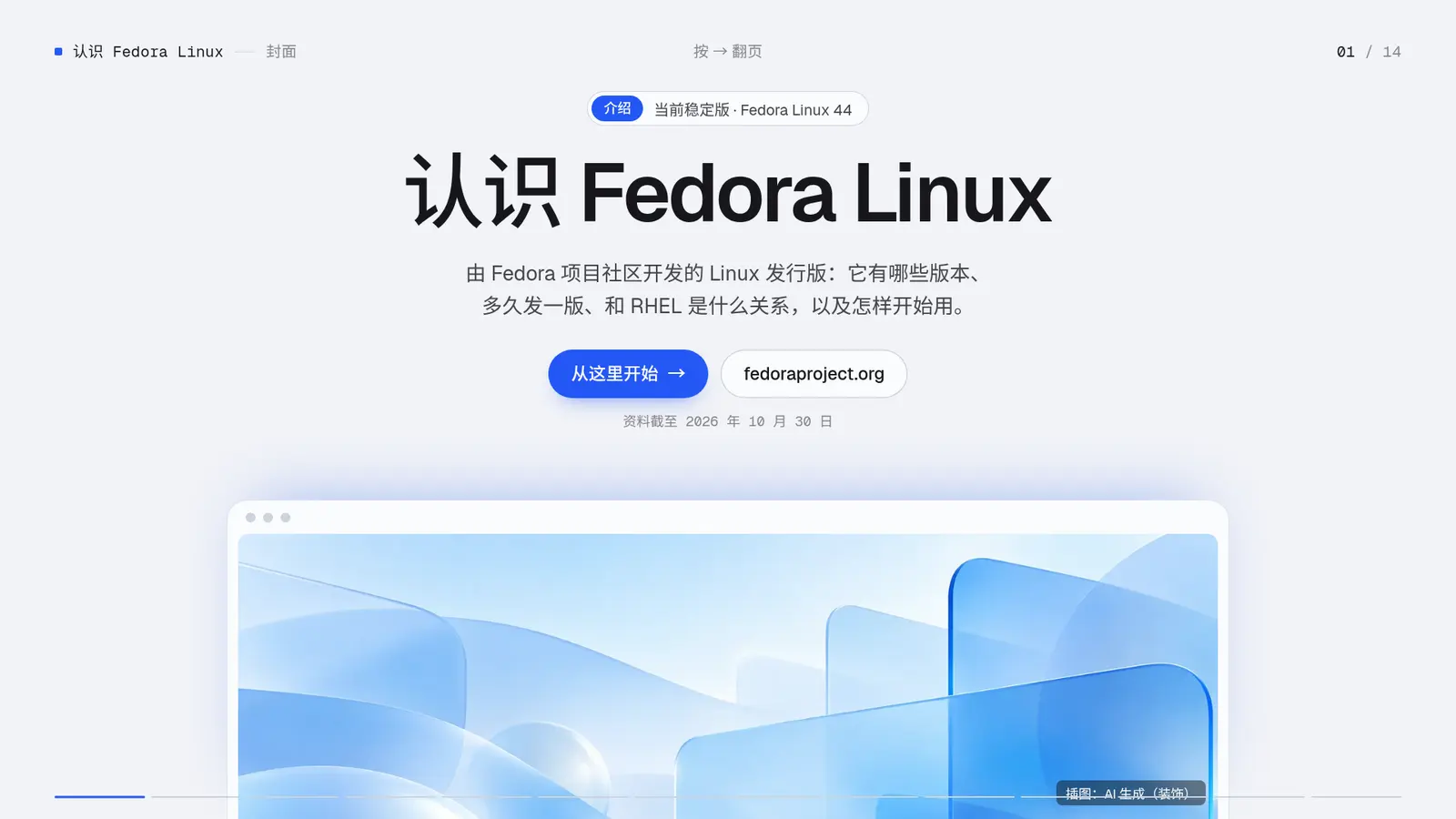
Decks made with PCafe

All sample decks →

Why PCafe

Why use PCafe for slides in ZCode

Fixed templates that hold their layout

ZCode only writes your content into PCafe’s 270-plus open-source templates; layout, type sizes and colour come from the template, so the deck doesn’t change shape every time.

Delivered only at PASS

Every slide has text limits. Overflow, overlap and tiny type fail the check, and ZCode trims or splits slides and checks again until PASS.

One offline HTML file

The result is one HTML file that presents with a double-click and no network; it also exports to PDF and editable PowerPoint.

Questions

PCafe × ZCode: questions

Where is ZCode’s skills manager?

Under Skills in settings, listing global, project and imported skills with a switch for each. Its place may move between versions.

Is PCafe free?

The open-source version is free for personal and commercial work and keeps a “Made with PCafe” credit. Pro adds 11 paid template packs and lets you remove the credit.

Can I get a PowerPoint file?

Yes. Have ZCode run npx pcafe pptx <name>; the text comes out as editable text boxes. PDF export works too.

Do I need Node.js?

Building the HTML needs Node.js 20.19 or later, and ZCode runs the npx commands. Without it, the skill falls back to a storyline and a slide-by-slide outline.

How do I install on Windows?

The npx skills command works in PowerShell too. The unzip one-liners are for macOS and Linux; on Windows, download pcafe-skill.zip and extract it into the matching skills folder under your user folder, for example %USERPROFILE%\.agents\skills.

Other tools

PCafe also works in

All skills and plugins →See the Pro templates →